
Register and create your first project
Create your account and set up the project
Walk through the High School Reunion project from start to finish — set it up, split tasks across the committee, draw the floor plan, and track the budget. One project, eight steps, and you'll know the whole app.
Create your account and set up the project
Turn the reunion idea into a dated schedule of phases, then break each phase into tasks the committee can own.

Send your team members an invitation email, choose the right access role for each person, and get them signed in.

Write the document that holds the detail, then report the activity that links it, attach the photos and find the repo...
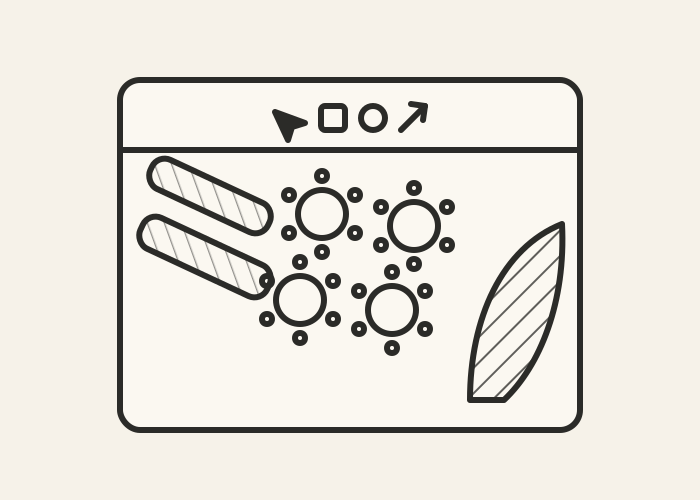
Draw the reunion floor plan on the Excalidraw canvas — guest tables, entrance and stage — then save it as a document ...

Link the finished drawing to the task, tick Done, and the calendar turns green — the update your team reads without o...

Flag the problem that cannot wait as an emergency, watch the calendar turn red, then tick Job done and let the month ...
Record the money the project receives in Debet and the money it spends in Credit, attach the receipt, and read the wh...
Open the User Activity popup to see what every committee member changed in the last three months, with emergencies in...