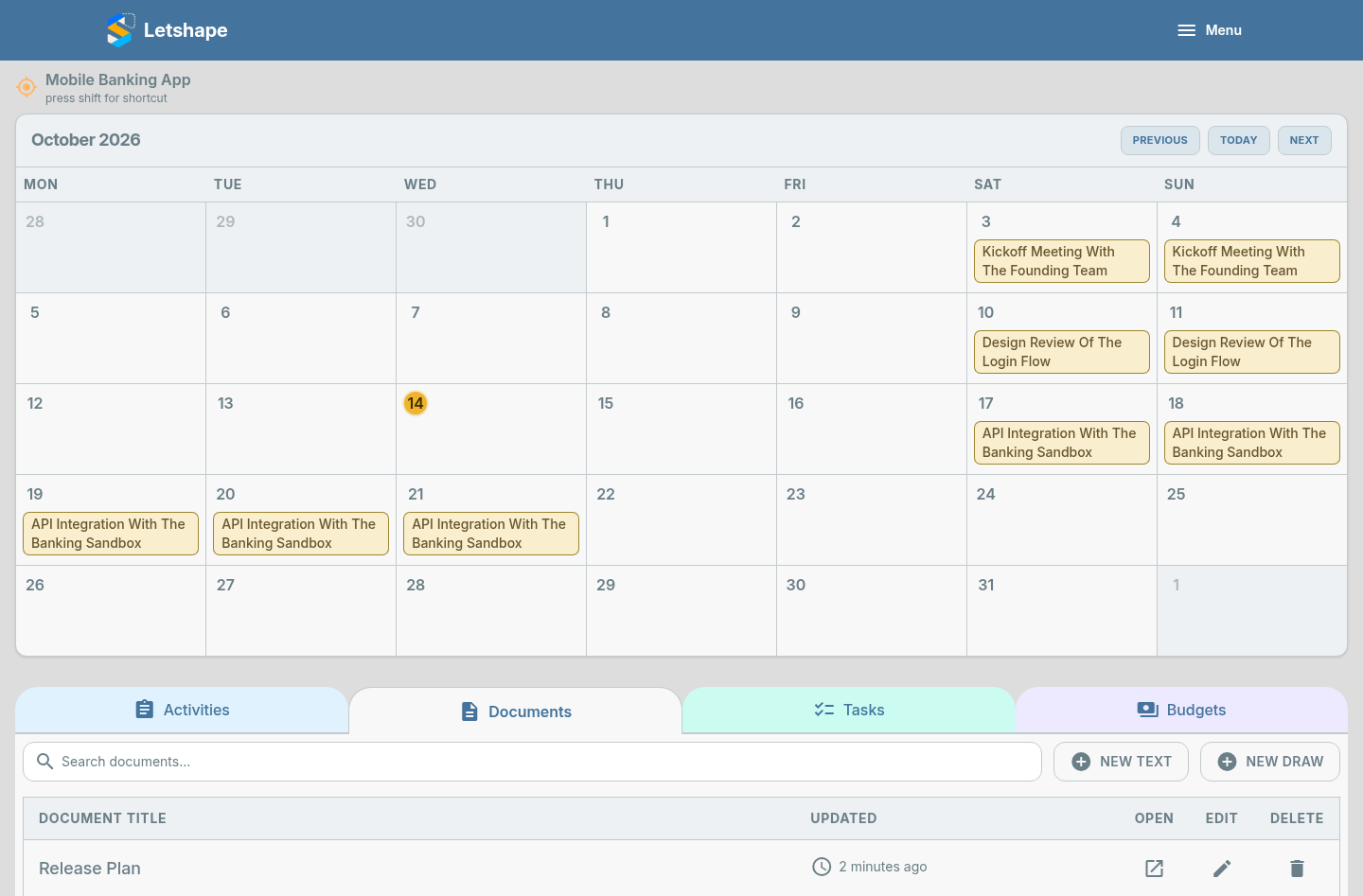
Not every idea is a drawing. Letshape also gives you a rich-text editor for notes, plans and specifications.
Create a document
- Open your project and go to the Documents tab.
- Click New Text (or New Document).
- Write your note using headings, lists and bold text.
- Give it a Document name and click Submit.
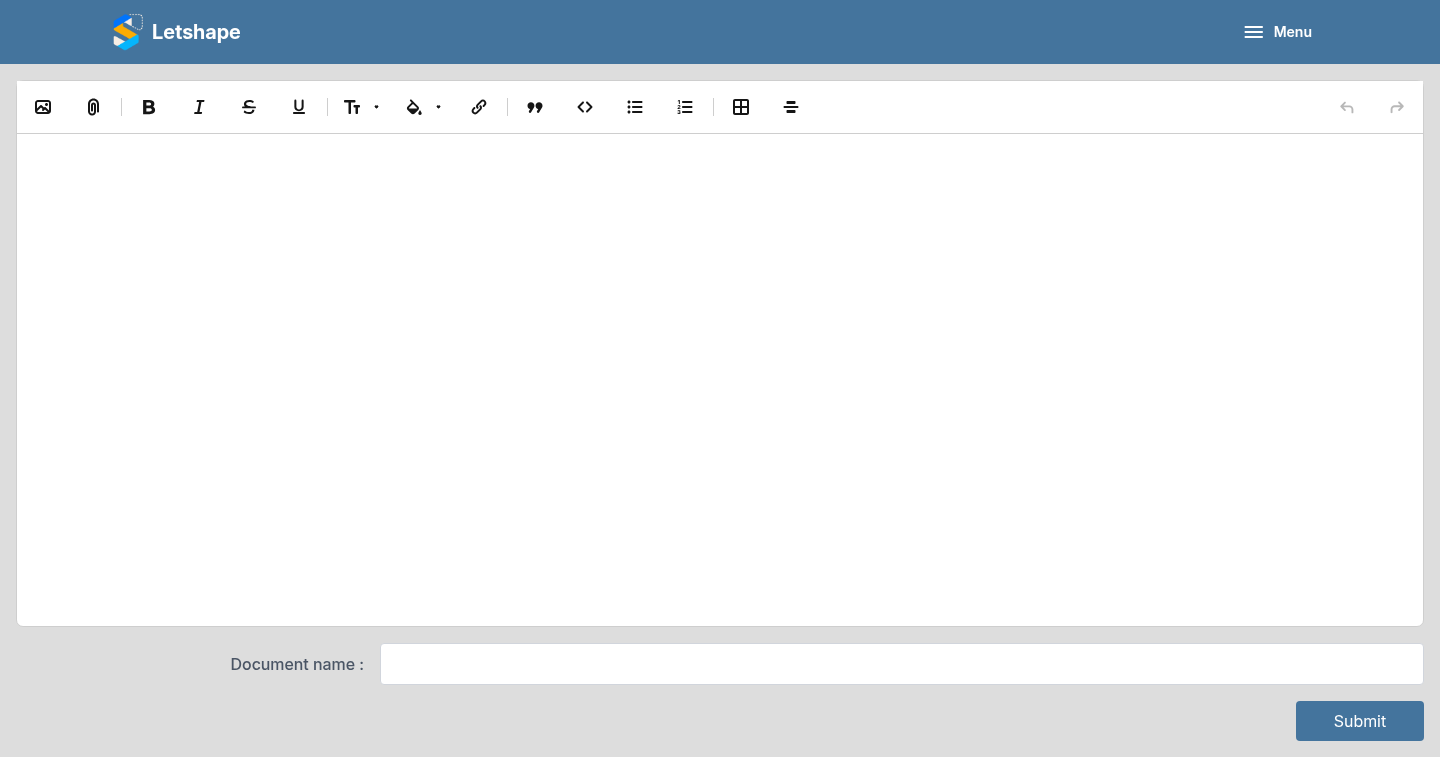
The editor
The toolbar supports headings, bold and italics, lists, quotes, links and code. Your writing is saved as a document tied to the project.
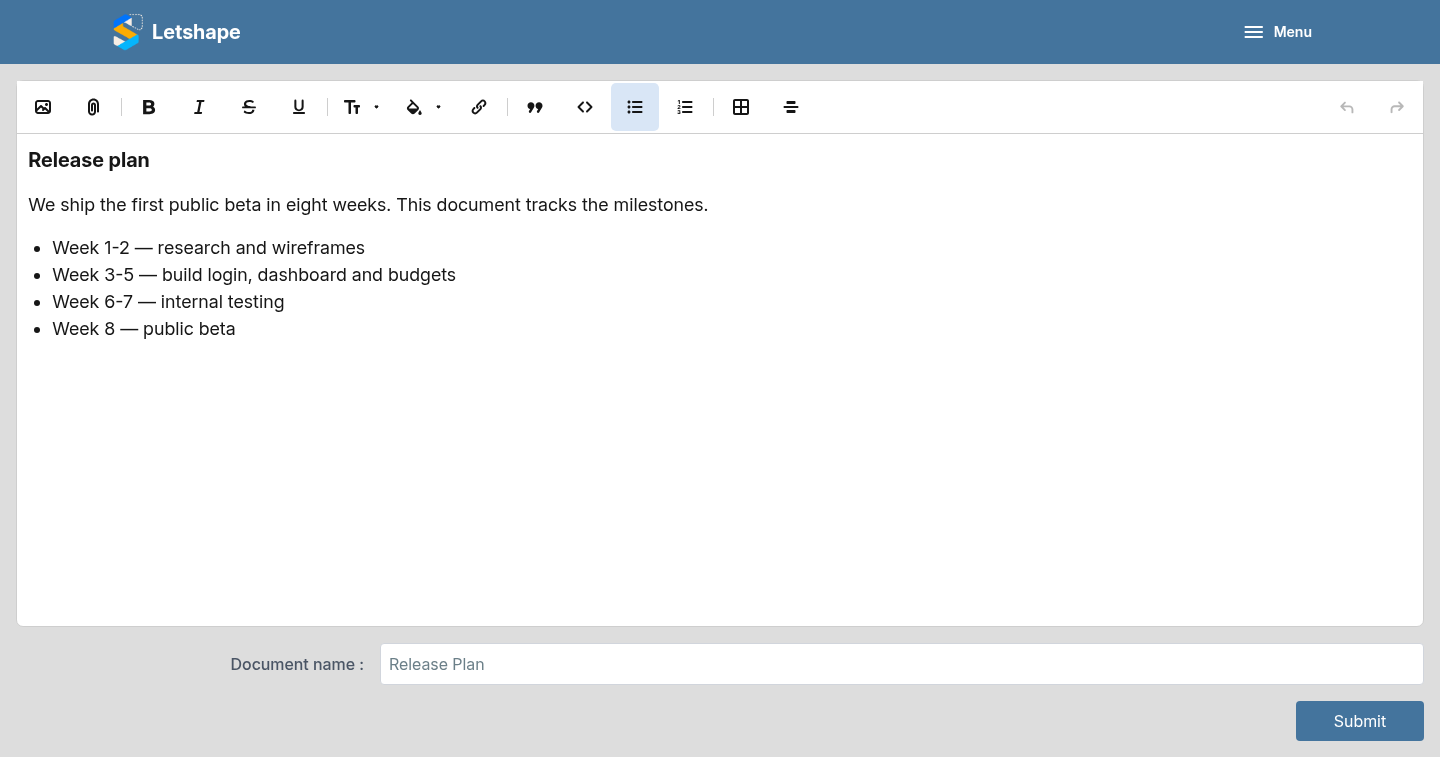
Find your documents
Every note shows up in the Documents tab, searchable by name, so the team can find it without scrolling.