Letshape is built for teams. Invite the people you work with and give each of them the level of access they need.
Open your company
Open the Menu (top right) and choose My Company. This screen lists everyone who belongs to your company.
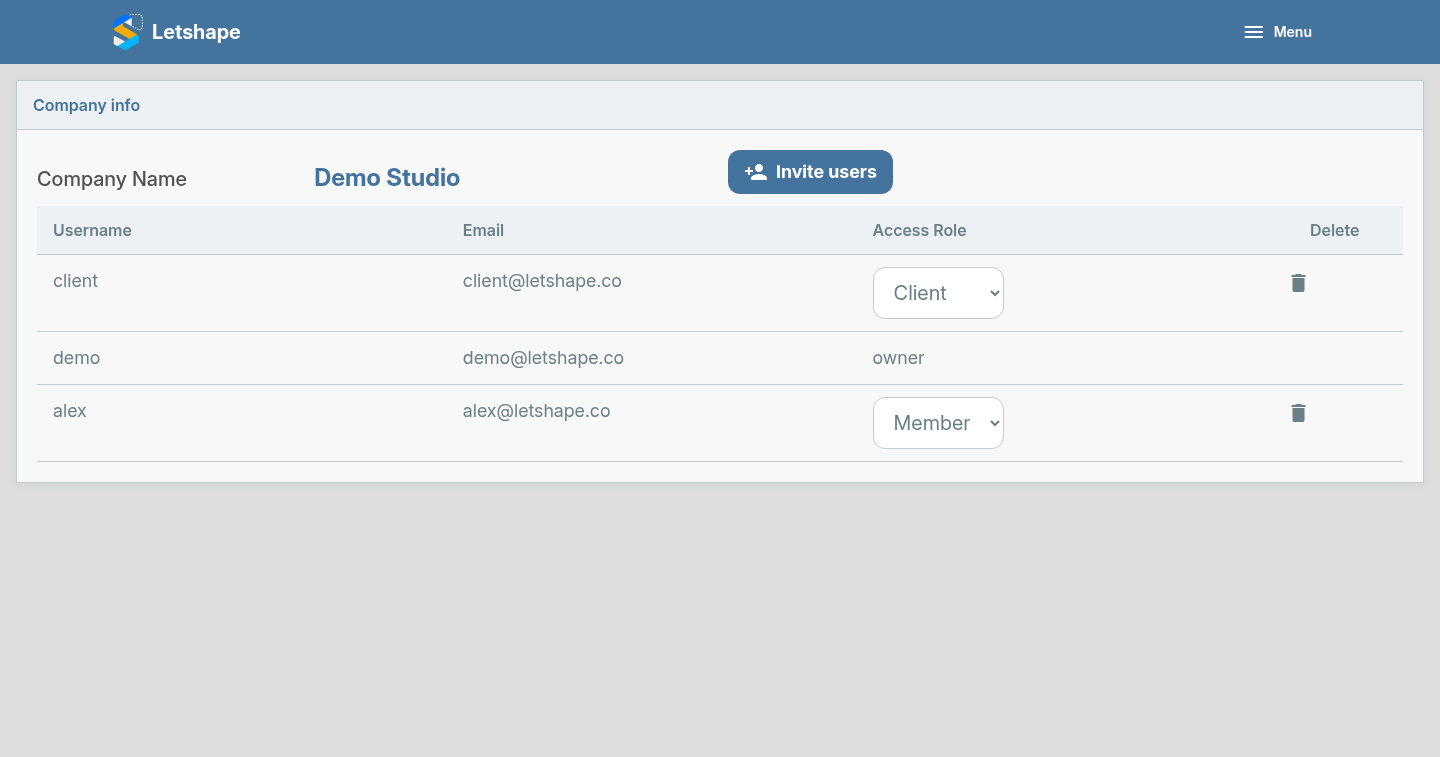
Invite someone
- Click Invite users.
- Type one or more email addresses.
- Pick a role — Member, Admin or Client.
- Send the invitations.
Each person receives an email with a link to set a password and join your company.
Choosing a role
- Admin — can create and manage projects and invite others.
- Member — can see company projects, add activities, documents, tasks and budgets.
- Client — sees only the specific projects you give them access to.
The owner of the company (the account that created it) always keeps full access.