Letshape is where your team turns a rough idea into a shared project. In this tutorial you will create an account, sign in and start your first project.
1. Create your account
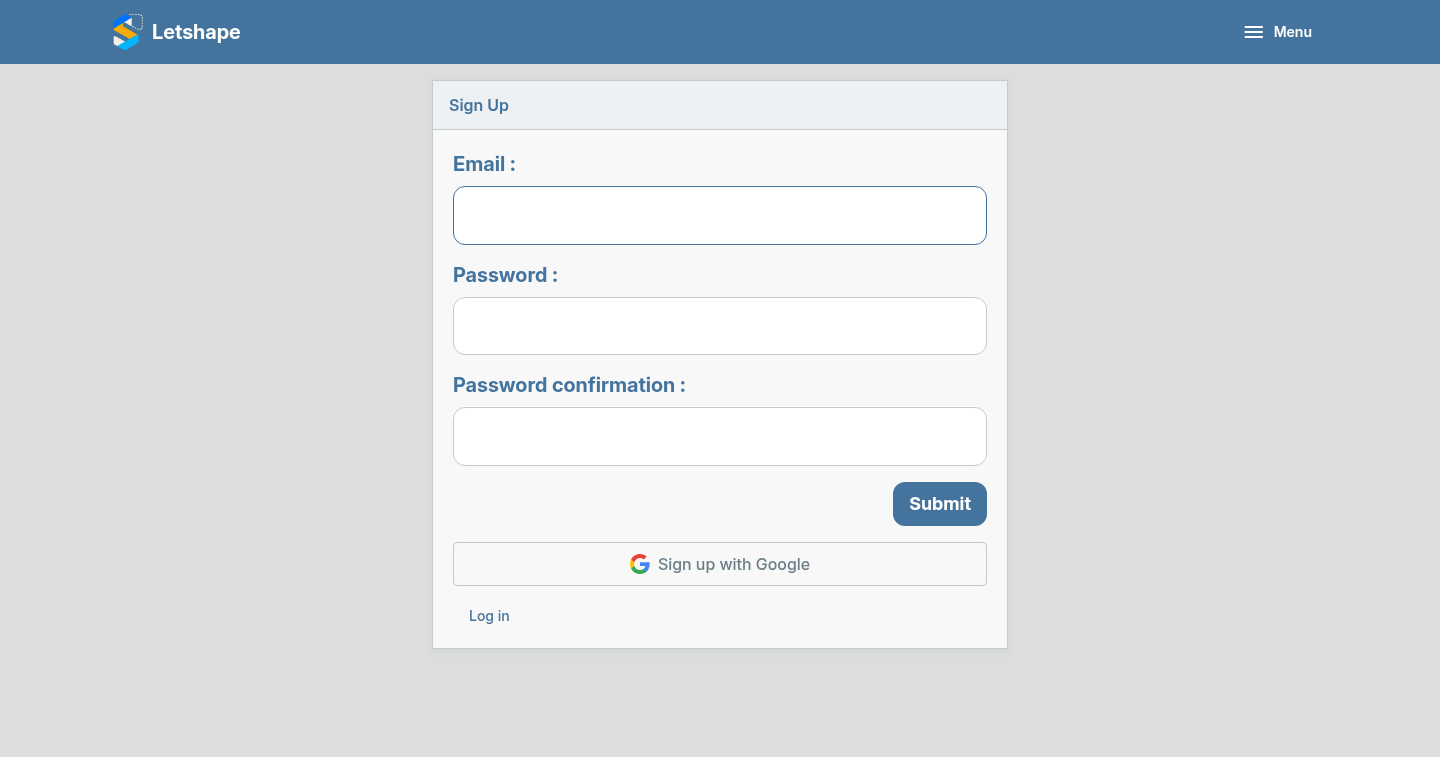
Open the sign-up page and enter your email address and a password. You only need an email and a password to get started — no credit card.
2. Log in
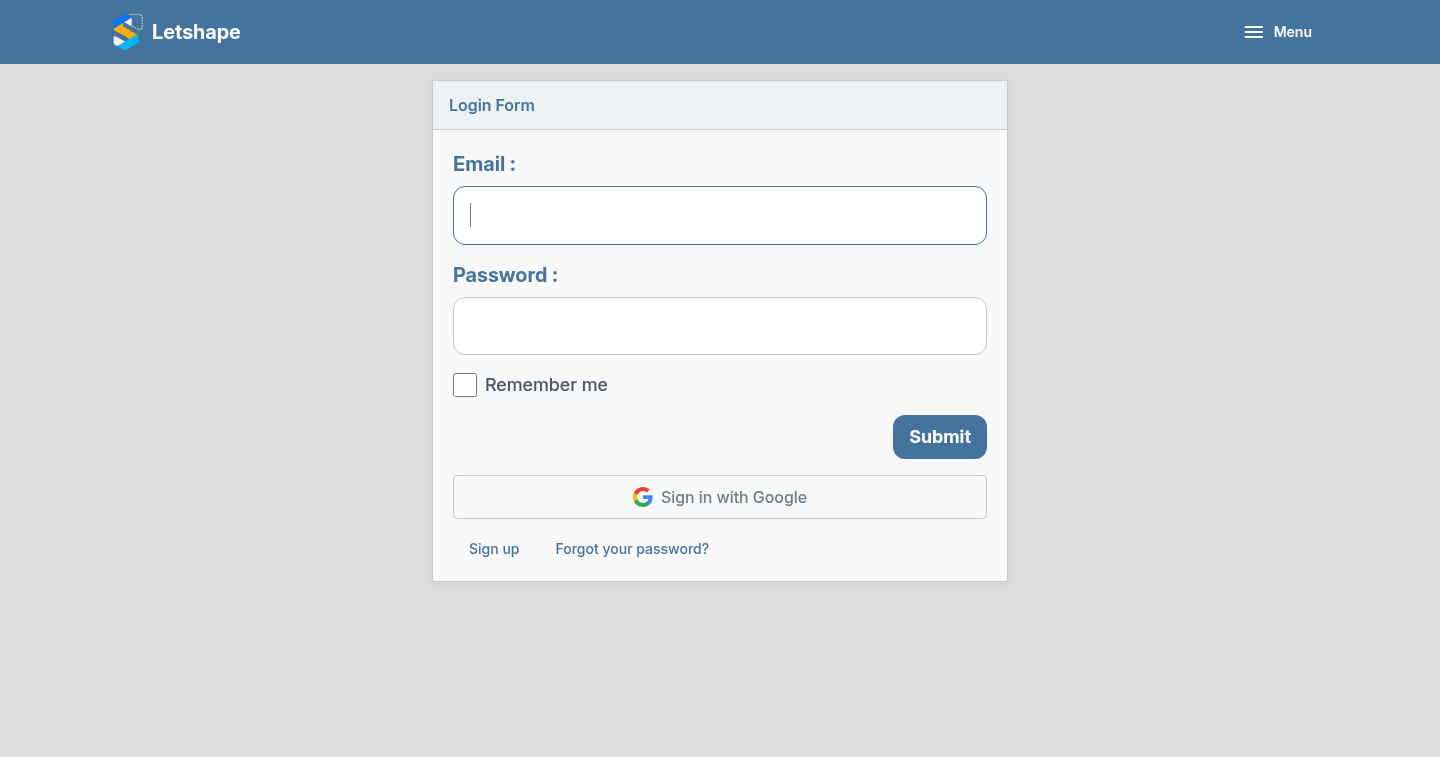
Once your account exists, sign in from the login page. If you registered with Google you can use the Google button instead.
3. Start your first project
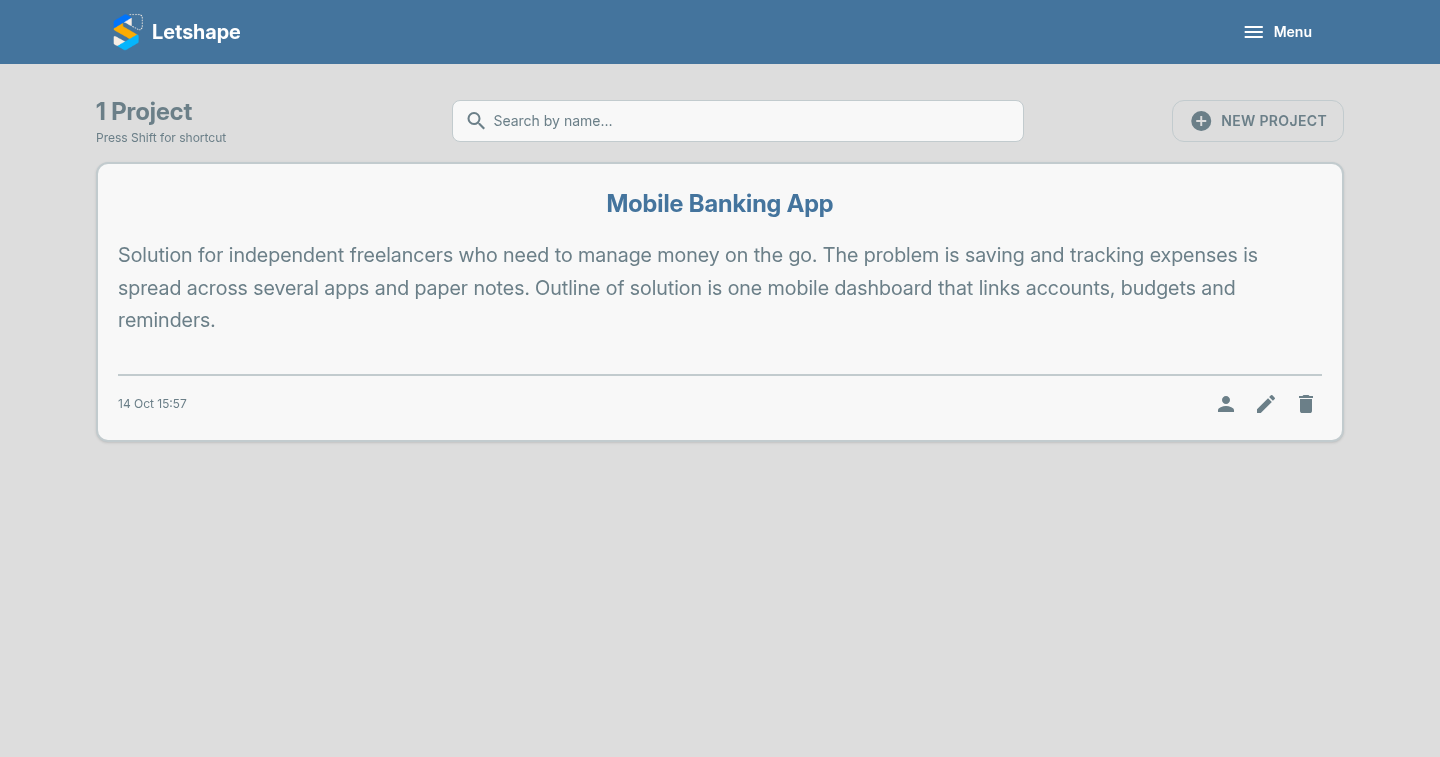
After signing in you land on your Projects page. Click New Project to begin.
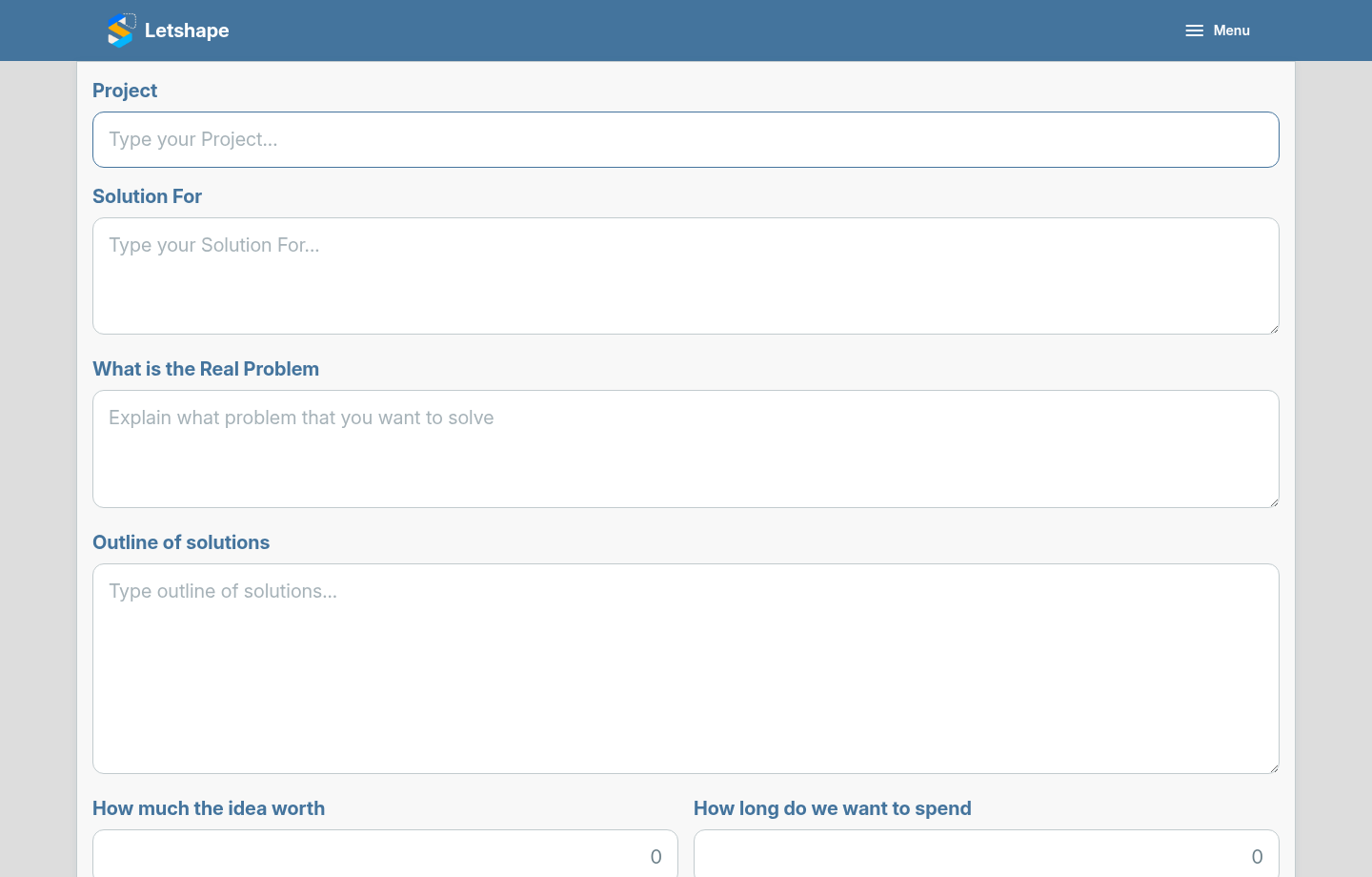
Give the project a name — something short and clear. You can fill in the rest of the idea later.
What changed?
You now have an account with your own company and a first project. From here you can invite teammates, sketch diagrams, add activities and schedule the work.
Next: Fill in your project idea.