Every project in Letshape has a drawing canvas powered by Excalidraw. It is perfect for flowcharts, wireframes and quick diagrams.
Open the canvas
From the project page click the draw button, or open the Documents tab and choose New Drawing. The canvas opens with a familiar toolbar.
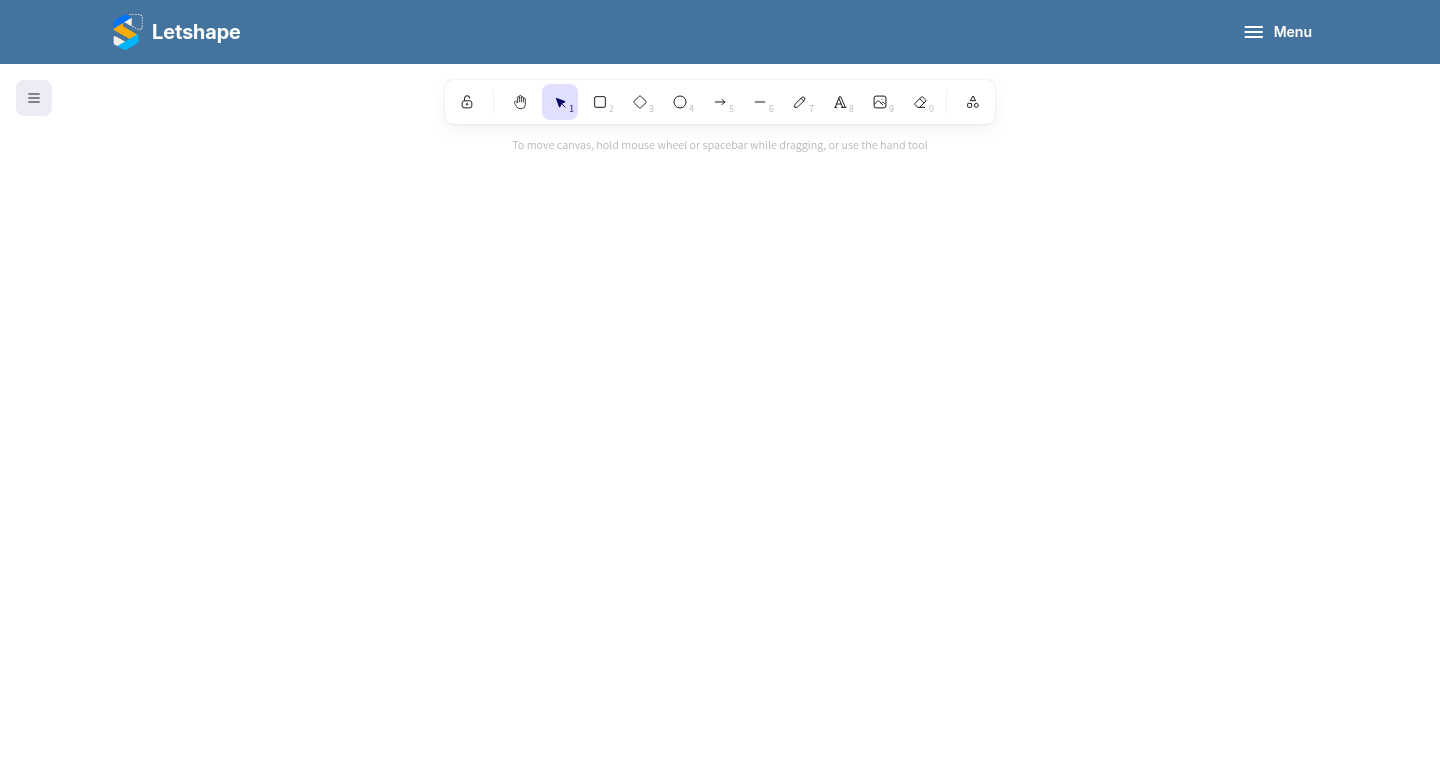
Drawing tools
- Shapes — rectangles, diamonds and ellipses for boxes and decisions.
- Arrows — connect steps and show direction.
- Text — label every box so the diagram tells a story.
- Free draw and eraser — for quick notes or fixes.
Save the drawing
Give the drawing a name and click Submit. It is stored as a document attached to your project, so you can reopen and edit it any time.
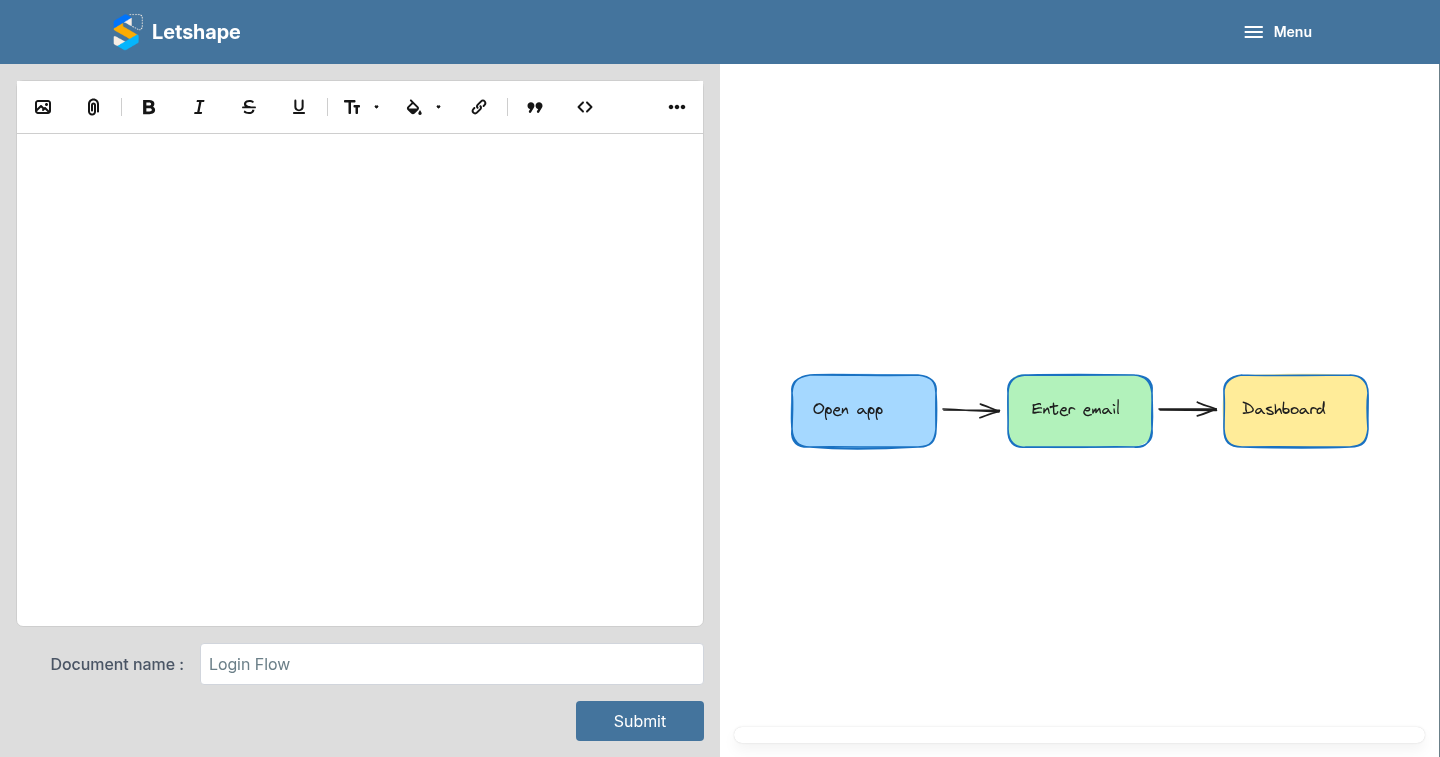
Tip: keep one canvas per idea. Small, focused diagrams are easier to read than one giant board.