Letshape turns dated activities into a shared calendar, so the whole team sees the timeline at a glance.
Add dates
- Open New Activity (or edit an existing one).
- Set a Start Date and an End Date.
- Click Submit.
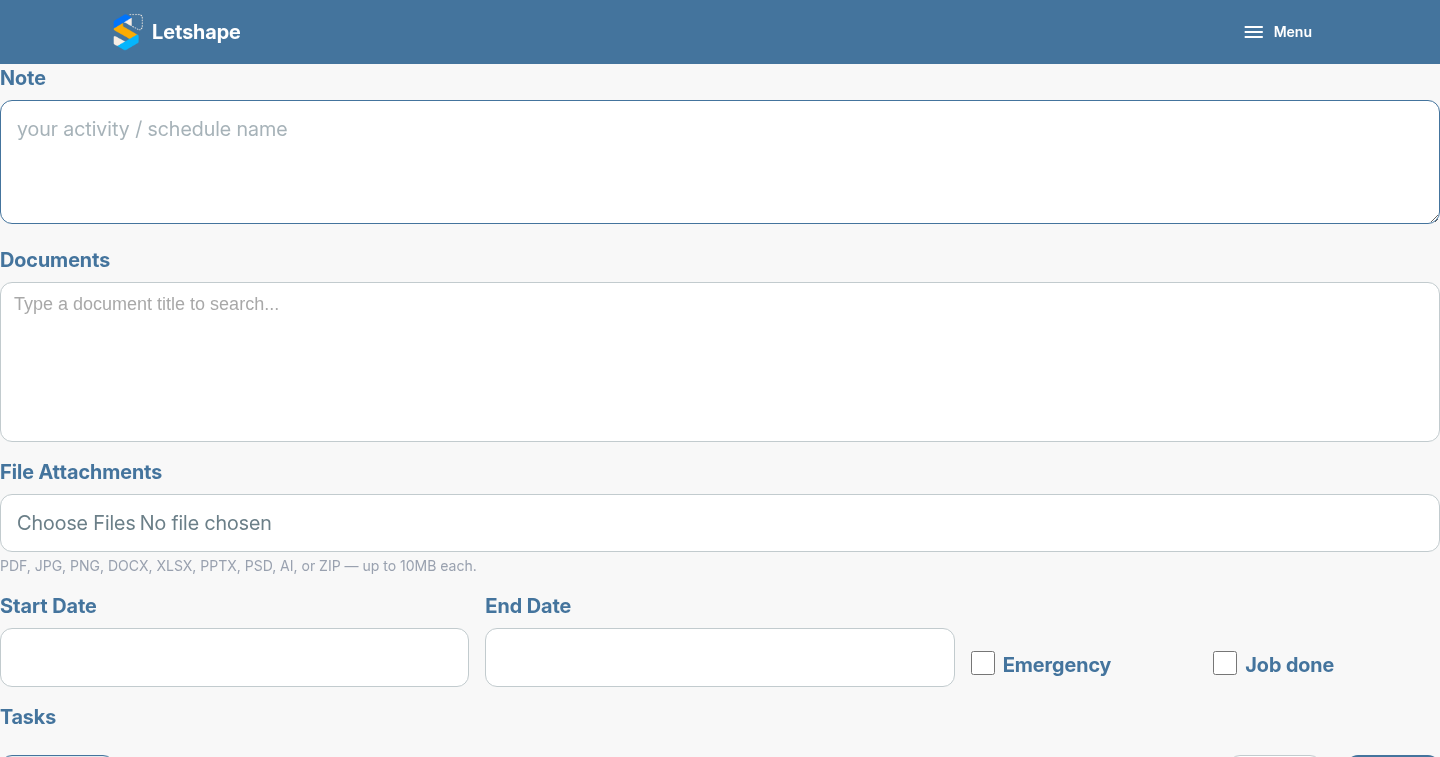
As soon as both dates are set, Letshape marks the activity as scheduled.
Read the calendar
Open the project and the calendar at the top shows each scheduled activity on the days it spans. Use Previous, Today and Next to move between months.
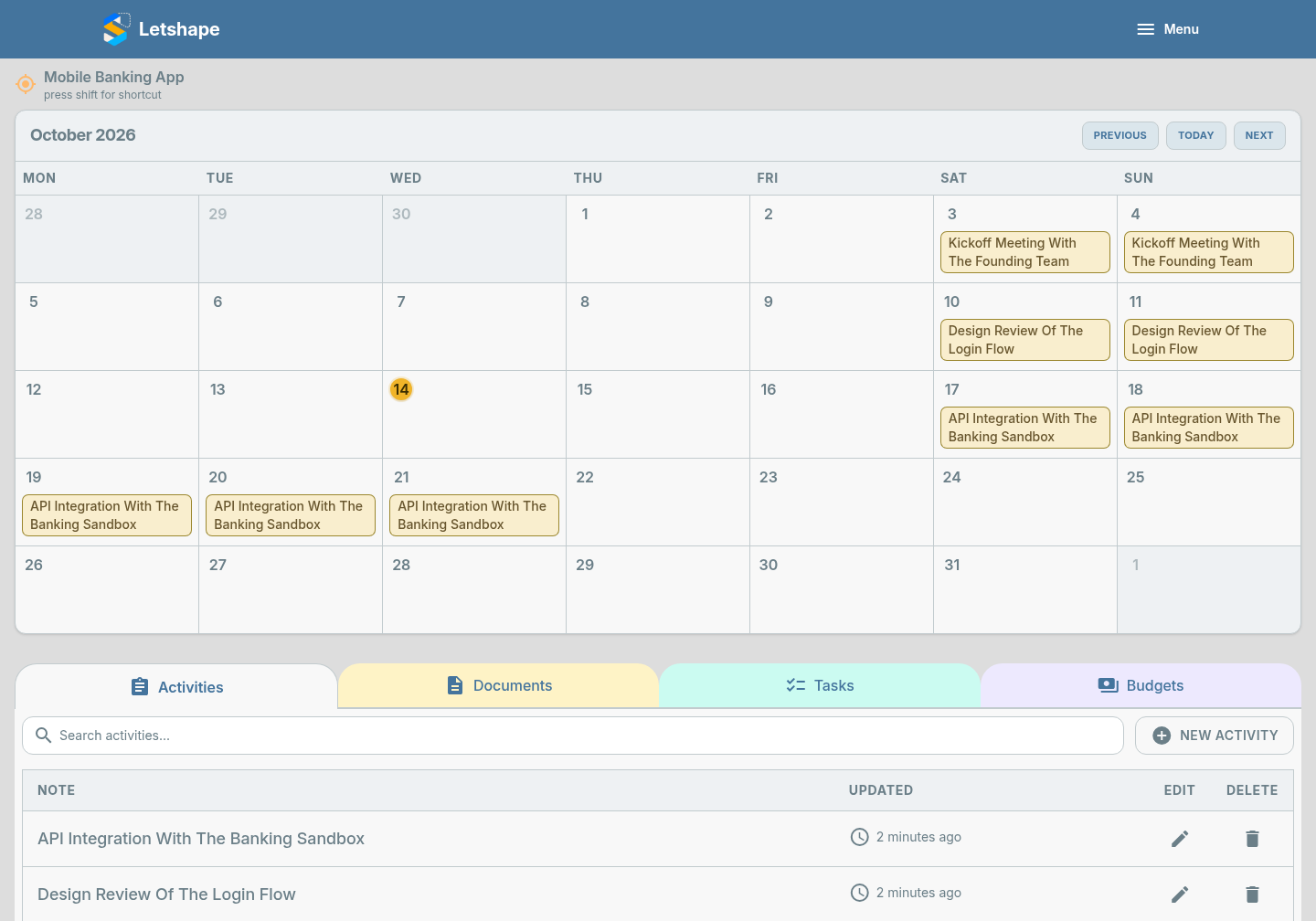
Multi-day work such as a two-week integration appears on every day it covers, which makes clashes obvious.