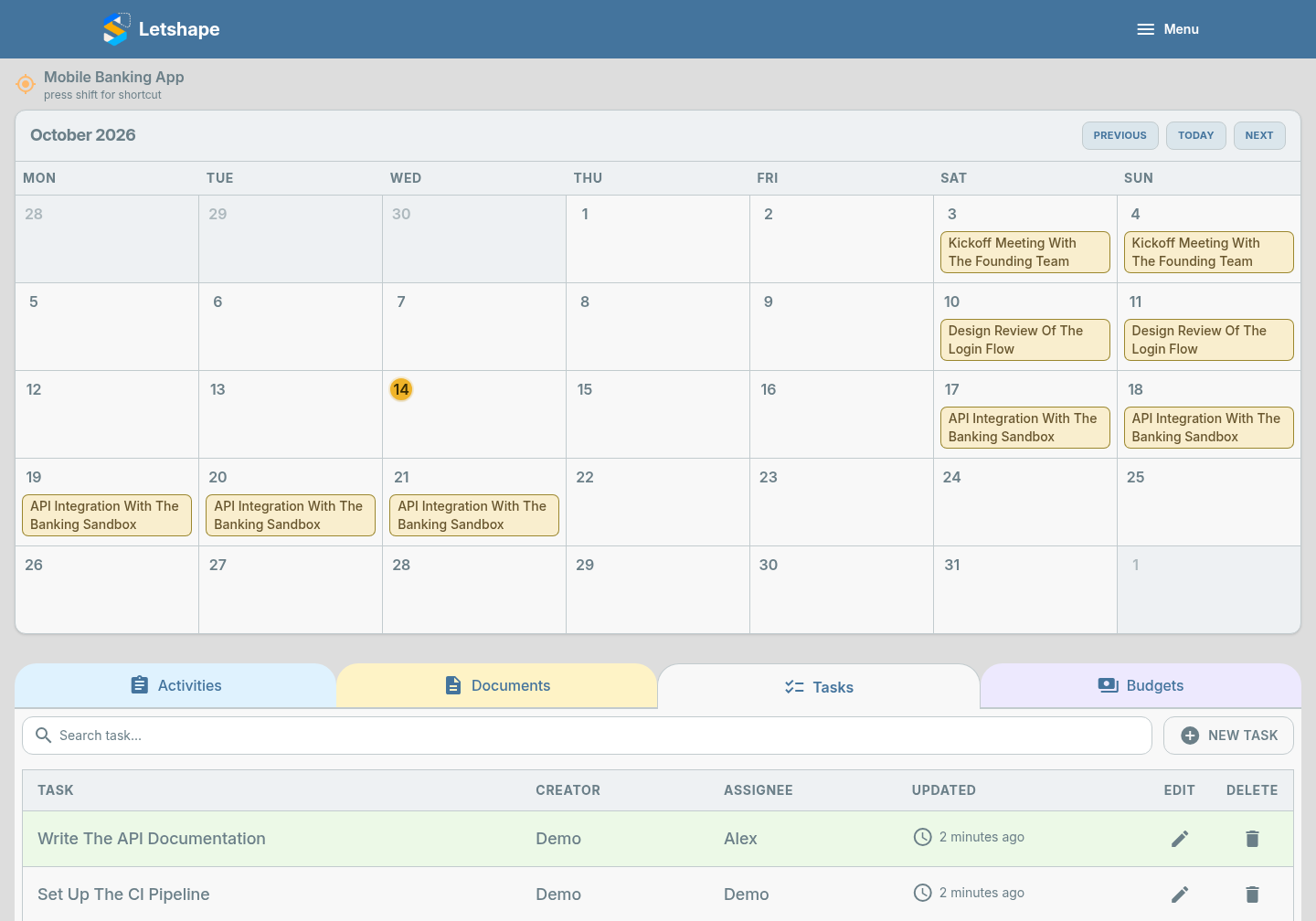
Big activities are easier to finish when they are split into tasks with a clear owner.
Create a task
- Open the project and go to the Tasks tab.
- Click New Task.
- Type the task in the Task box.
- Under Assign a responsible person, choose a teammate.
- Click Submit.
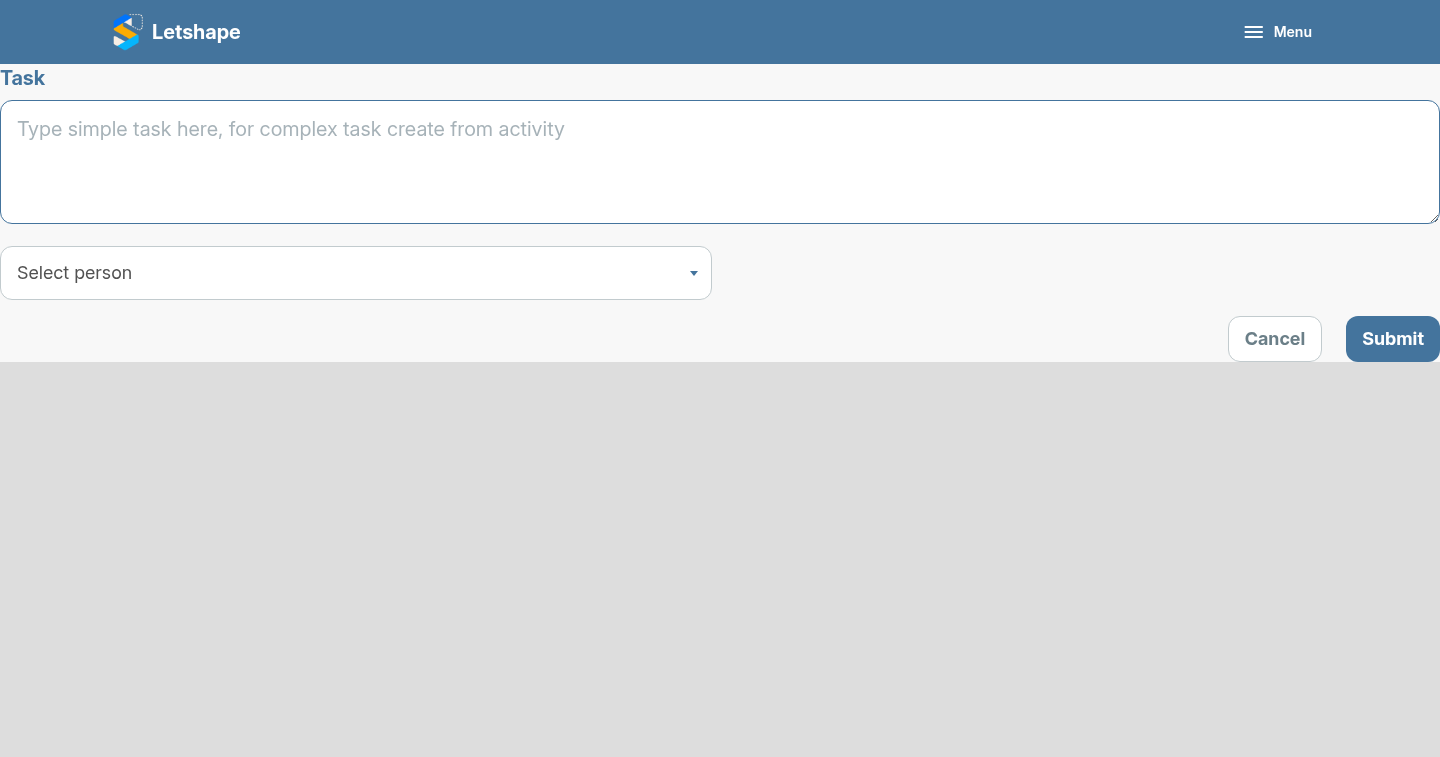
You can also create tasks straight from an activity form — handy when a meeting creates several follow-ups at once.
Who can edit what
The person who created a task and the person it is assigned to can update it. Admins can see everything but cannot change a task they do not own — that keeps ownership honest.