Activities and documents are more useful together. When you link a document to an activity, the note and its supporting drawing stay in one place.
Link while creating an activity
- Open New Activity in your project.
- Fill in the Note as usual.
- In the Documents field, start typing a document name.
- Pick one or more documents from the list.
- Click Submit.
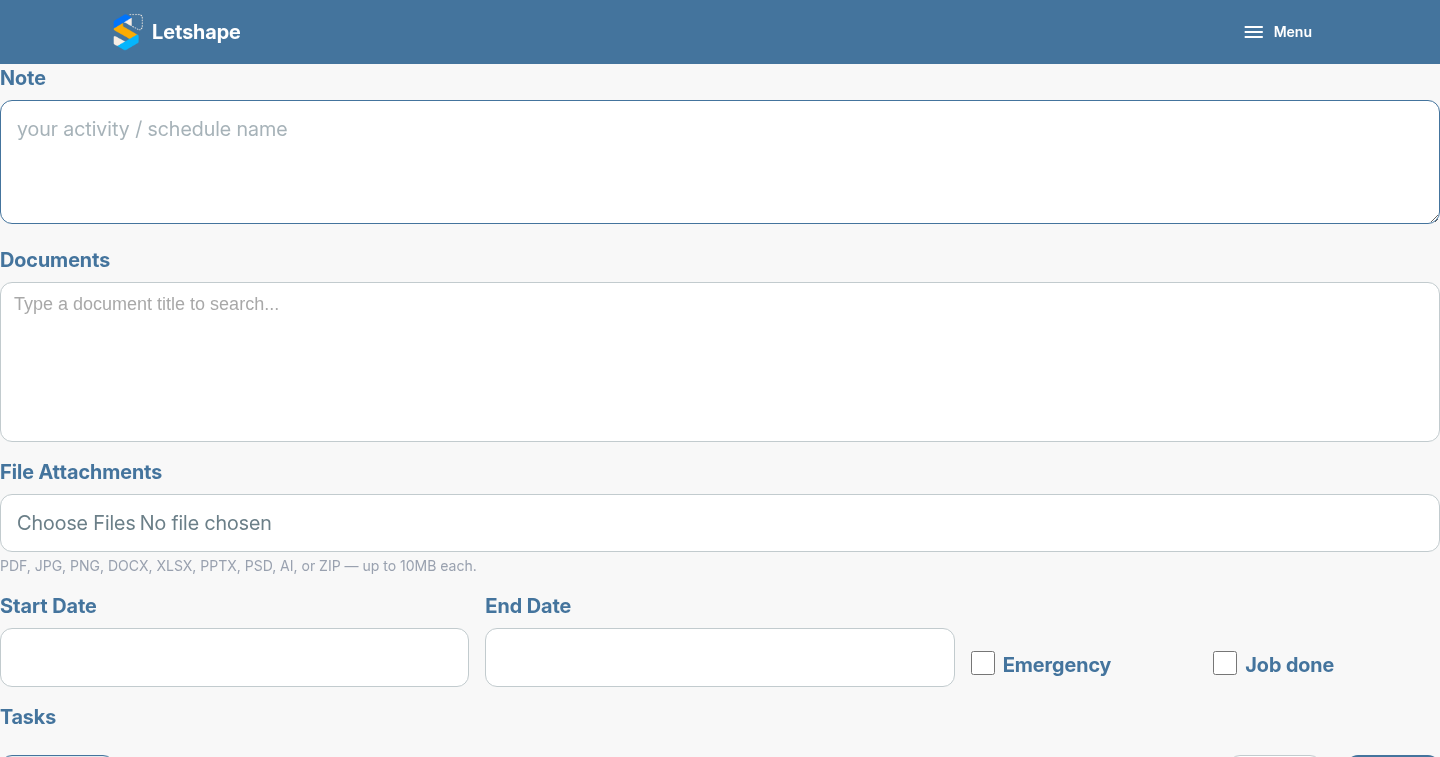
The Documents field is a search box: type a few letters and Letshape finds matching documents in the project, even with many documents.
Why link them?
Later, when you open the activity you immediately see which drawings and notes belong to it — no hunting through the project.
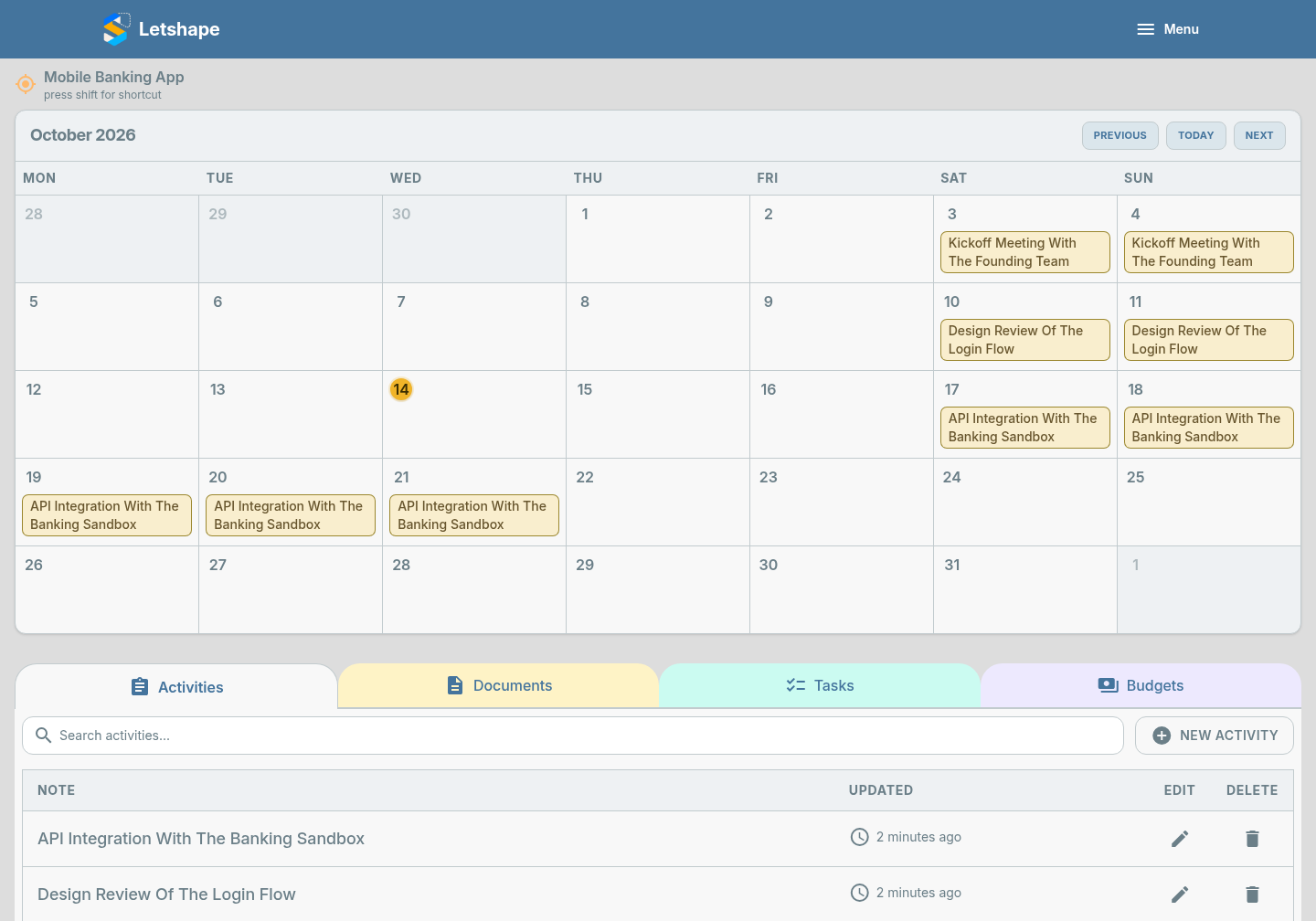
You can add tasks in the same form, so one submission can capture the note, its documents and the follow-up work.