Every project has a money story. The Budgets tab keeps a simple ledger of what comes in and what goes out.
Add an entry
- Open the project and go to the Budgets tab.
- Click New Budget.
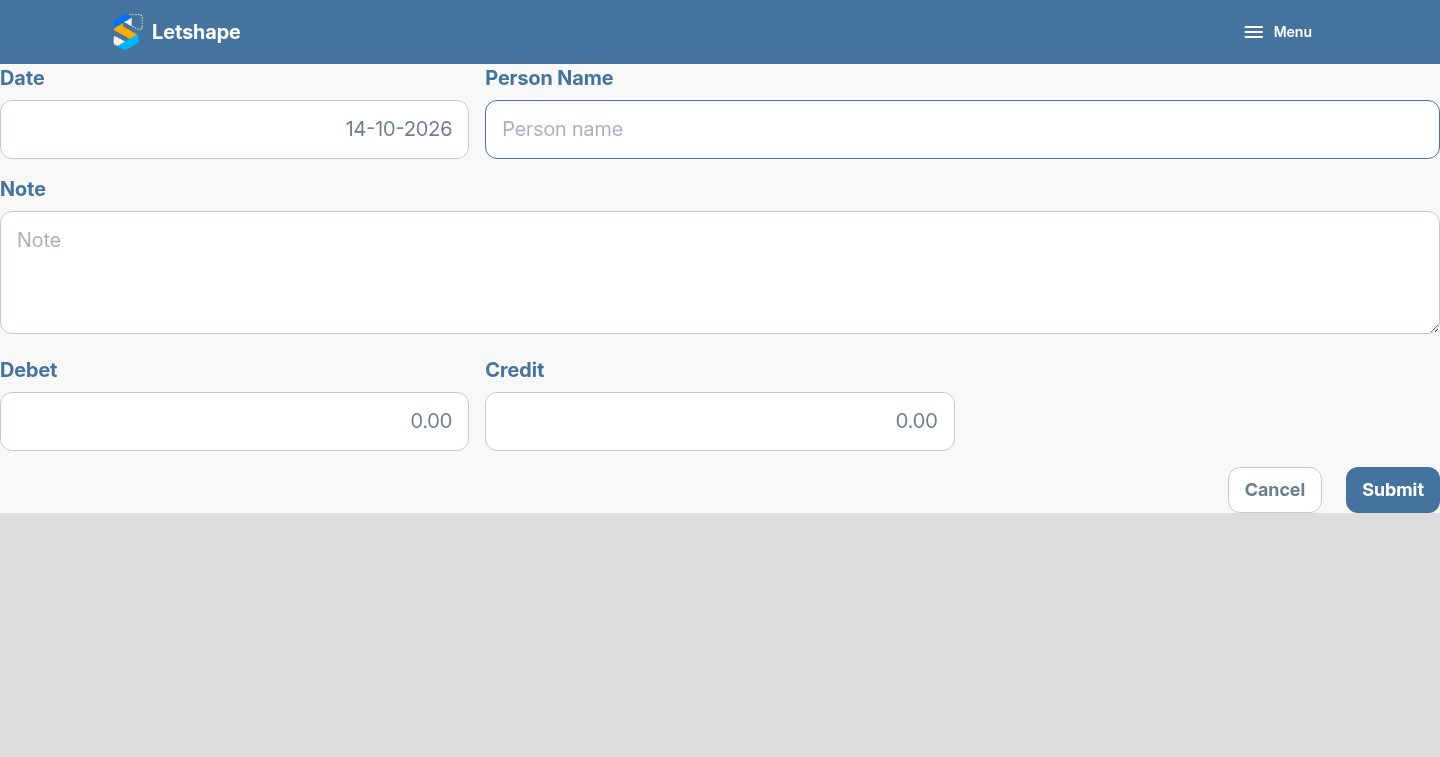
- Fill in the Date, Person Name and a short Note.
- Enter Debet for money spent, or Credit for money received.
- Click Submit.
Read the table
Entries are listed newest first with the date, person, note and amounts, so you can see at a glance how much a project has cost and earned.
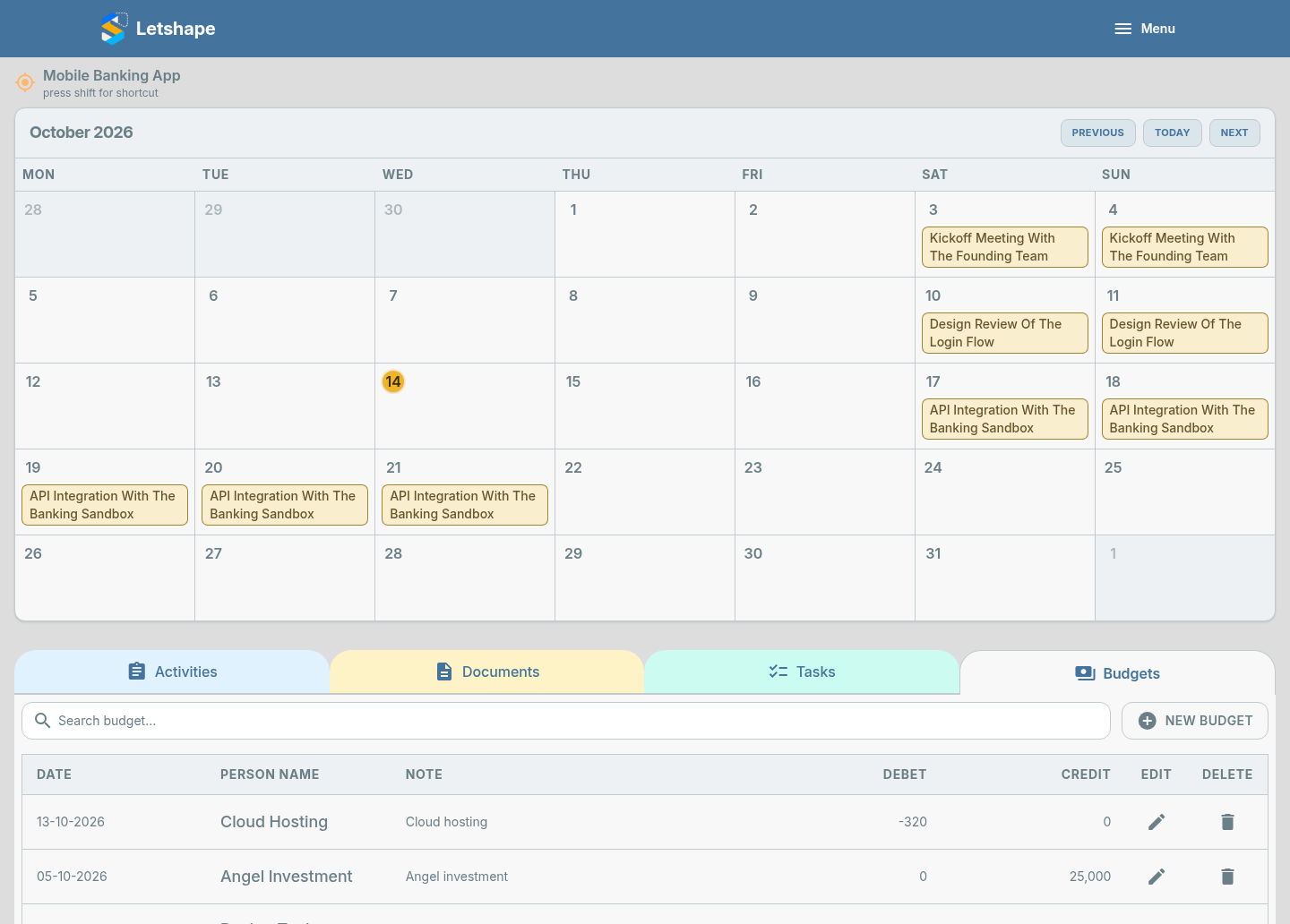
Because budgets live on the same page as activities and tasks, the money and the work stay in one place.