Sometimes you want to show progress to someone outside the team — a client, a stakeholder, an advisor — without giving them the keys to everything.
1. Add the person as a Client
Open Menu → My Company, click Invite users and choose the Client role for their email address.
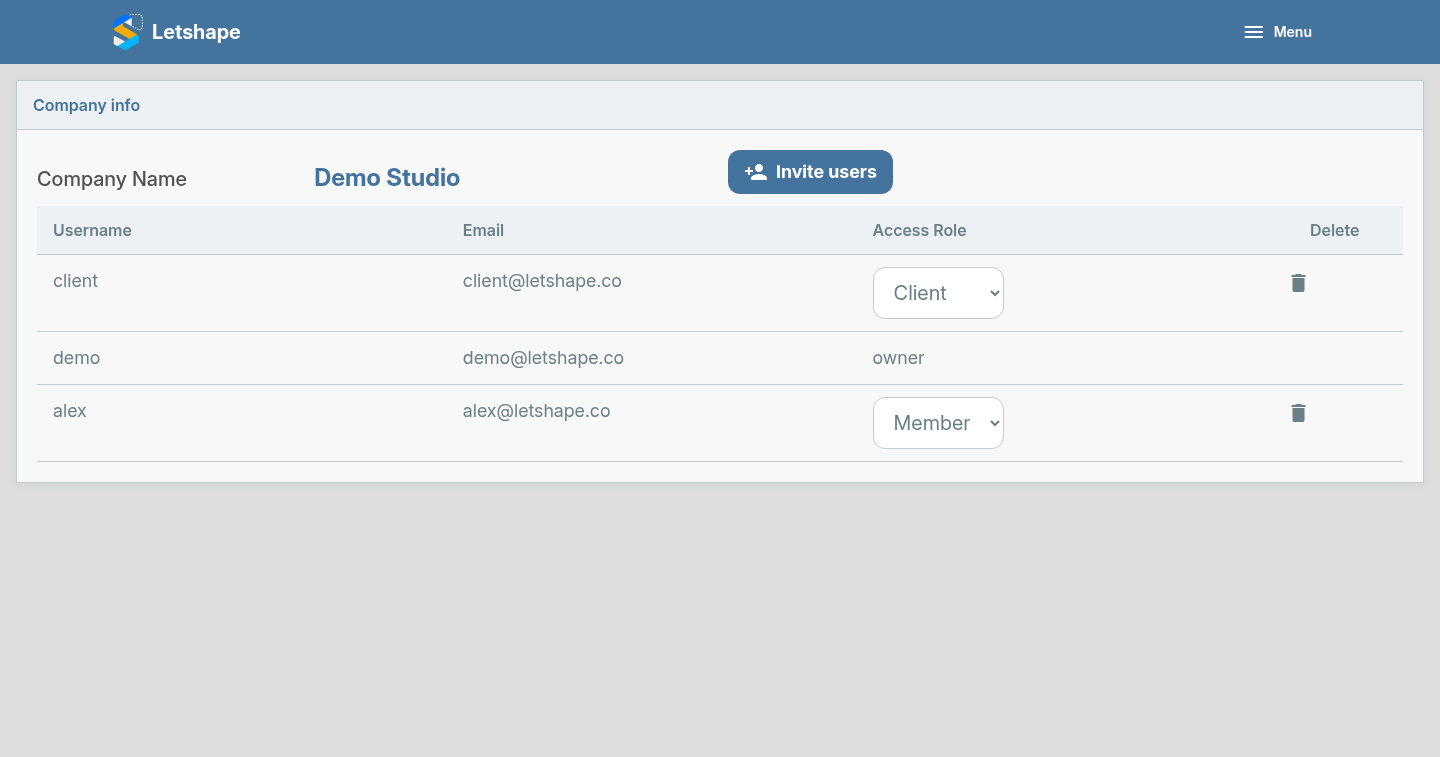
2. Give them access to one project
- Go to the Projects list.
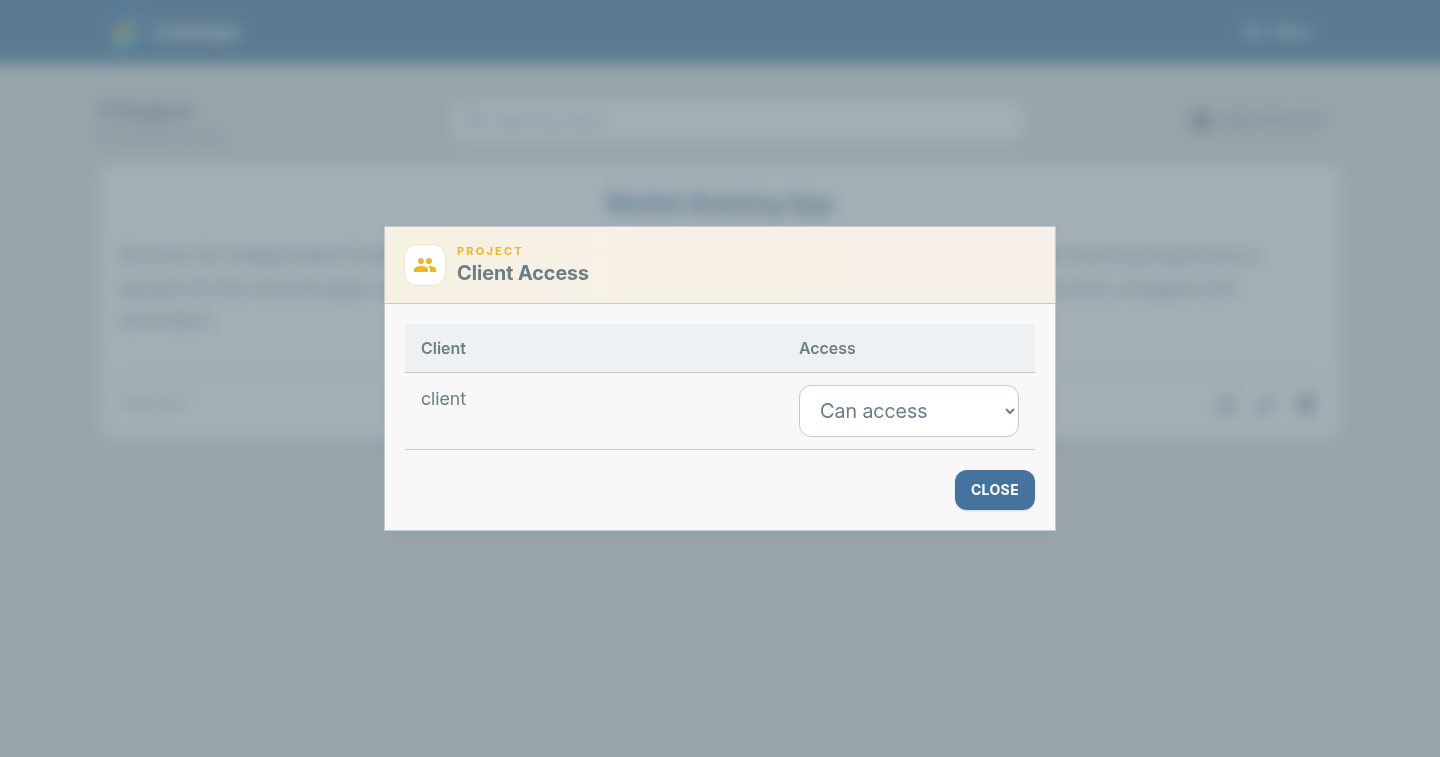
- On the project card, click the person icon.
- Find the client and set them to Can access.
- Close the dialog.
What the client sees
The client can open only the projects you shared — their activities, documents and budgets — and cannot see other company projects. Remove the access at any time from the same dialog.