Keeping the done flags honest is the simplest way to know where a project really stands.
Tick a task off
Open the Tasks tab and tick the Done checkbox on a task. Completed tasks are styled differently so finished work fades into the background.
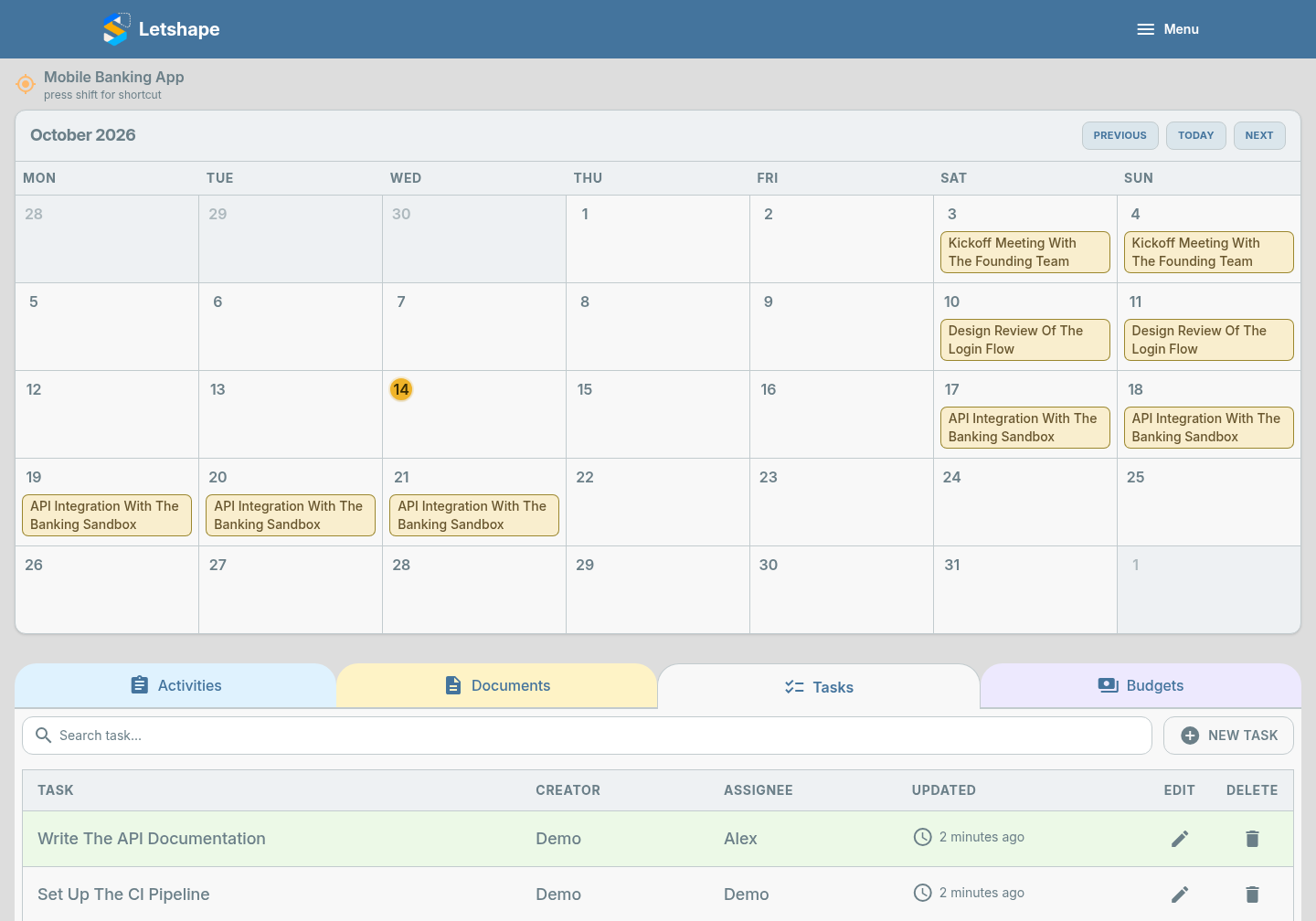
Only the task creator or the assigned person can change the done flag, so progress reflects real ownership.
Activities have a done flag too
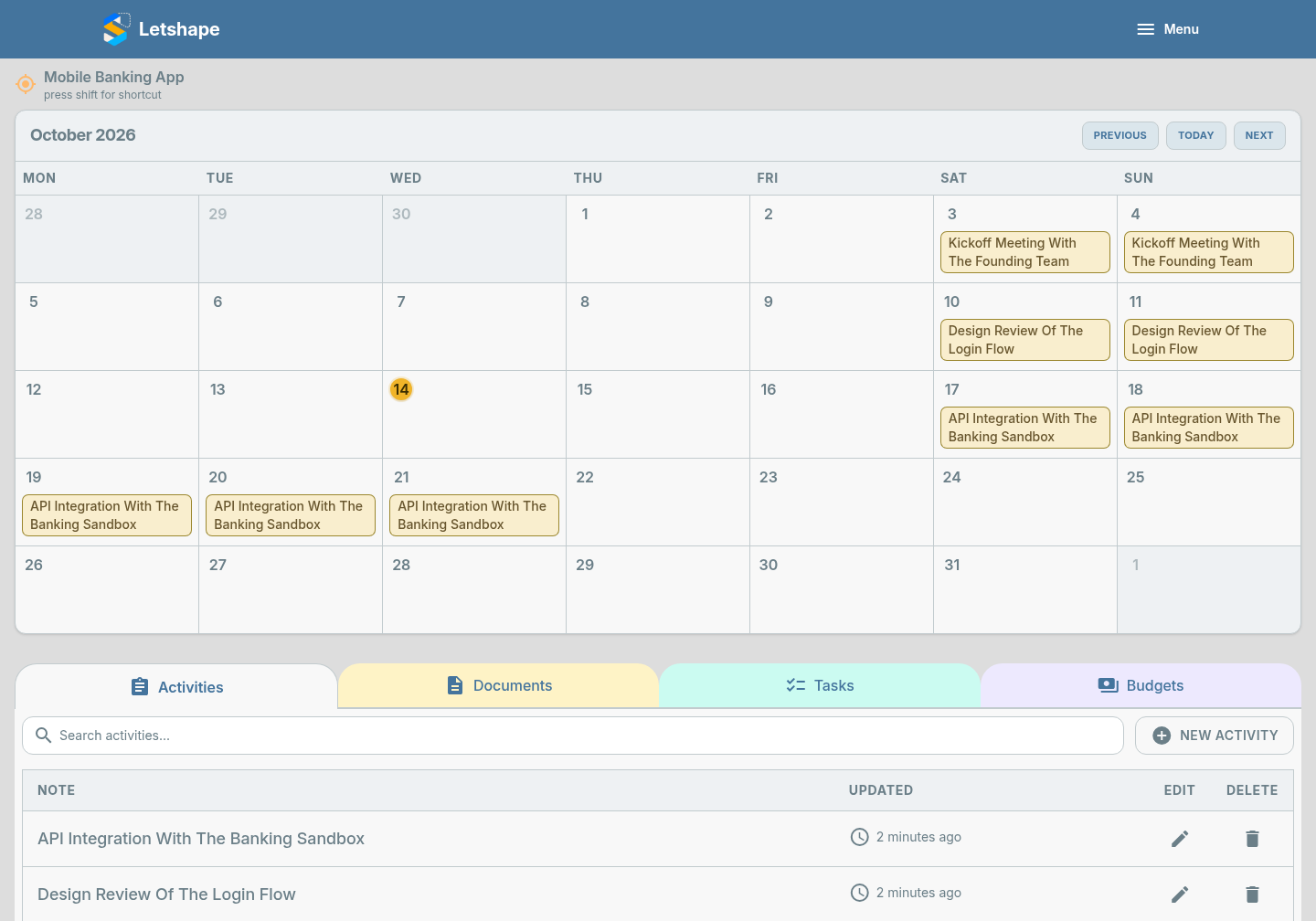
Activities carry a Job Done checkbox and an Emergency flag. Use them to signal what is finished and what is on fire.
Tip: review the Tasks tab at the end of each week and clear anything that is no longer relevant — a short list is a useful list.