A project is only as clear as the idea behind it. Letshape asks a few focused questions so everyone knows what you are building and why.
Open the project form
From Projects click New Project, or open an existing project and choose Edit Project.
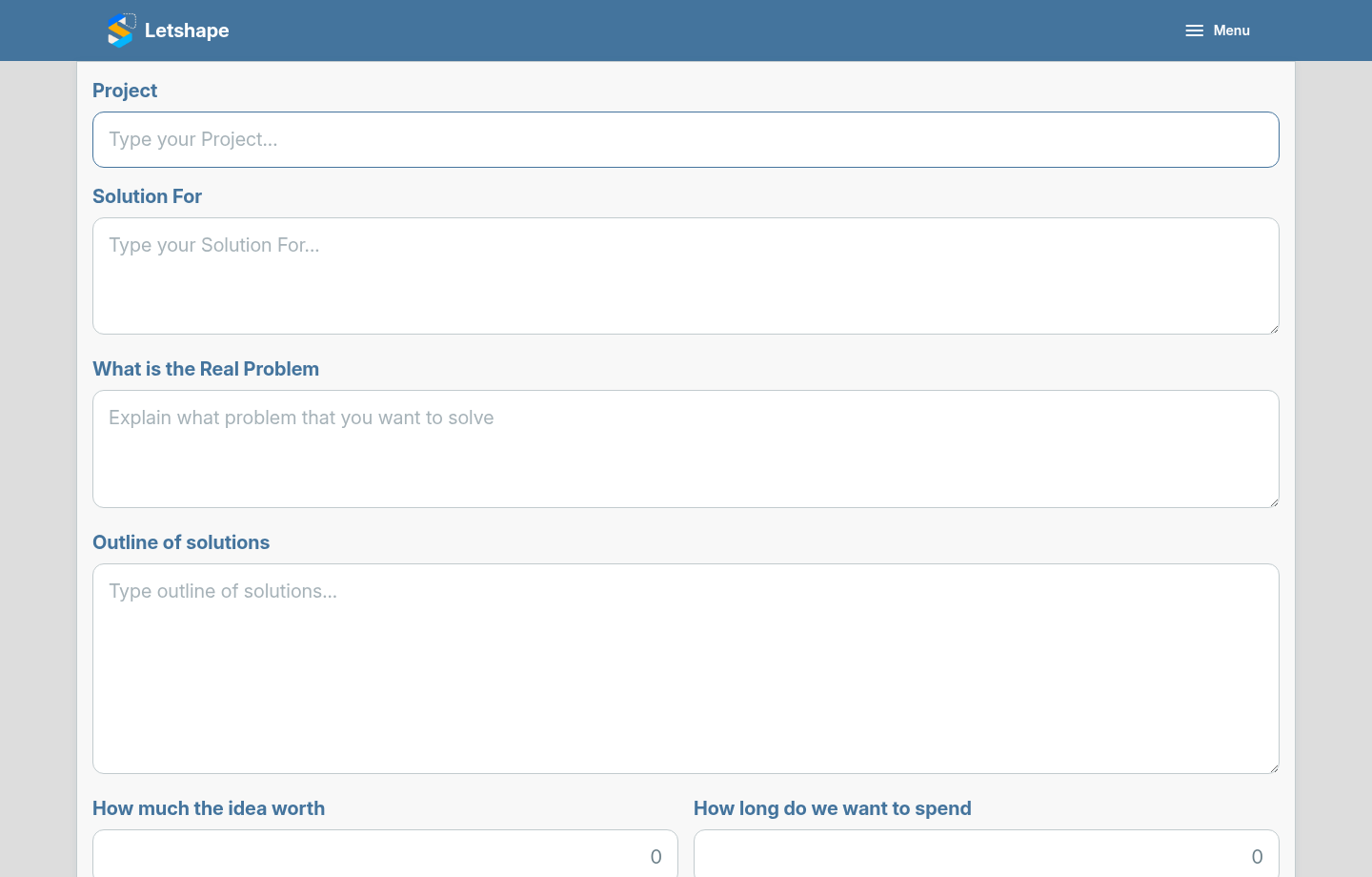
The fields that matter
- Project — a short name for the project.
- Solution For — who is this for?
- What is the Real Problem — the problem you are actually solving, not the symptom.
- Outline of solutions — how you plan to solve it, in a sentence or two.
- How Much the idea worth and How Long do we want to spend — rough numbers to keep the team honest.
Review it at a glance
Once saved, open the project and click the target icon next to the project name. Letshape shows the idea in a single card you can share with the team.
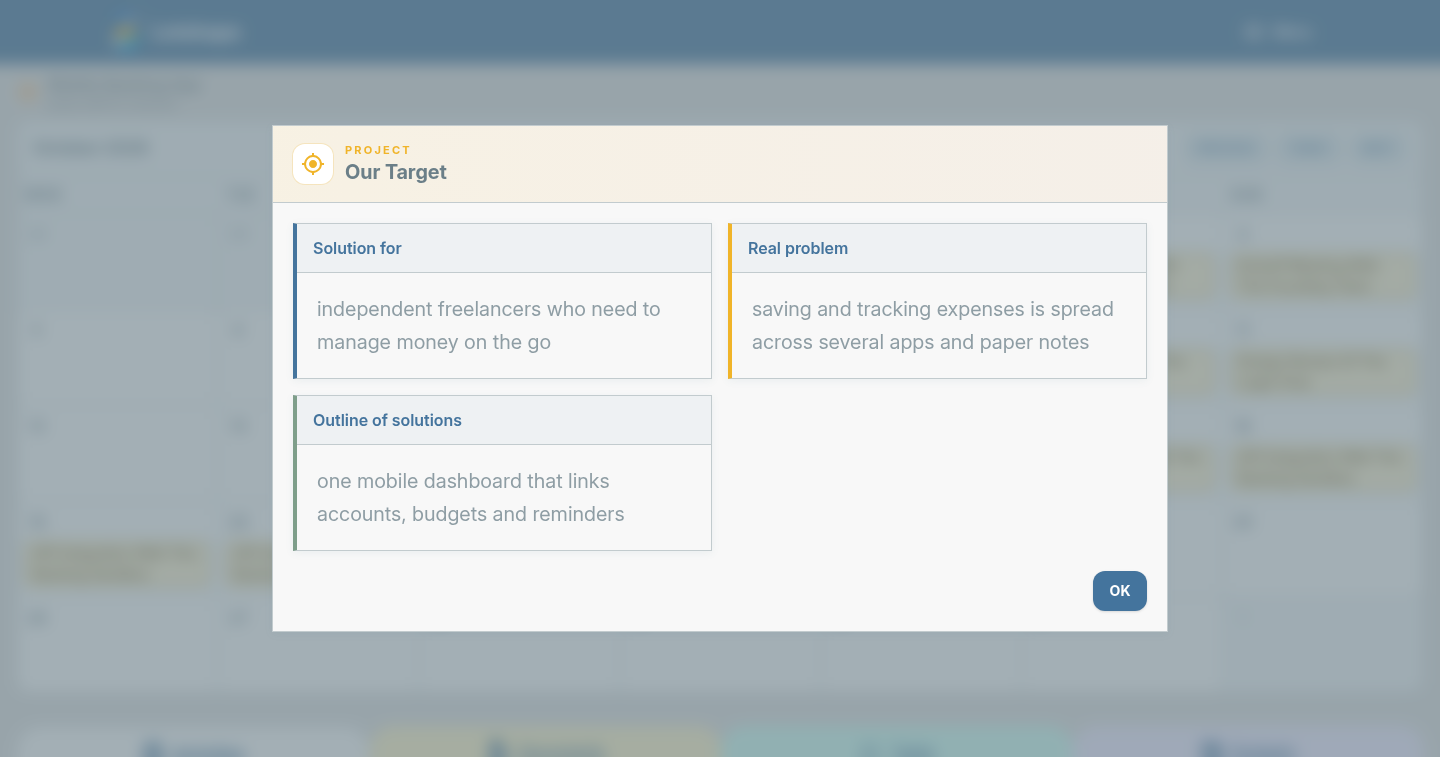
Keep these fields short. Their job is to align everyone, not to hold every detail — that is what activities and documents are for.